
Custom Response Handler in Alamofire


Alamofire is an elegant HTTP networking library de facto in iOS development; perhaps in the same league as Retrofit in Android programming. It’s built to be asynchronous from ground up as it uses Apple’s URL loading system thus full of handlers (check out RxAlamofire to enjoy an even nicer api for your networking needs).
Making a Request
Alamofire 5 has a new namespace, AF, that encapsulates all of its request methods. Thus to make a get request, prefix your request method with AF (this was previously available in the global namespace).
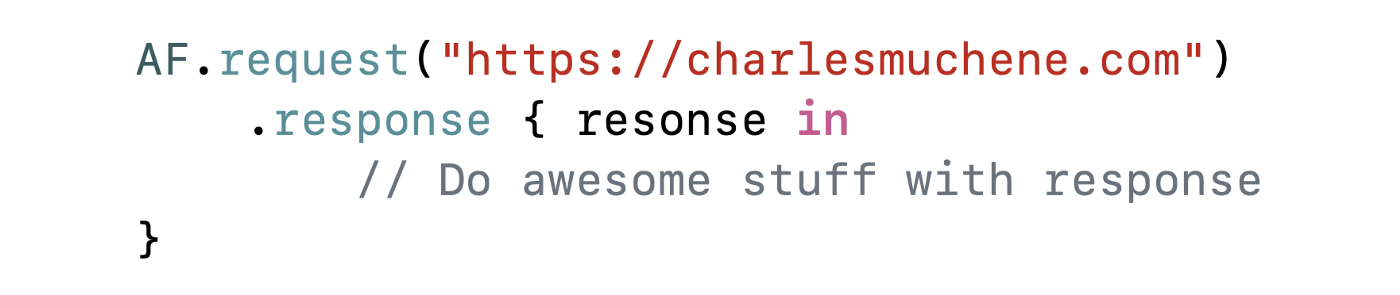
Handling Response
The request method returns a DataRequest object which handles in-memory data download. When a request is done, the parent Request class has a finish method invoked to start registered response serializers. The serializers adopt the ResponseSerializer protocol which is a composition of DataResponseSerializerProtocol (to handle data response) and the DownloadResponseSerializerProtocol (to handle download response). Some of the built in serializers are:
- DataResponseSerializer
- StringResponseSerializer
- JSONResponseSerializer
- DecodableResponseSerializer
Out of the box, Alamofire has 6 response handlers that utilize these serializers to hand you a serialized response. They are:
- Generic handler — unserialized response
- Serializer handler — serializes response using the provided serializer
- Data handler — serializes response into Foundations’
Datastruct - String handler — yields a
Stringstruct - JSON handler — uses Foundation’s JSONSerialization — yields
Any - Decodable handler — serializes into a
Decodabletype
Here’s a signature to add a handler for JSON serialized response:

The Need
Ignoring network and server errors, api calls typically have a response and Alamofire treats a completed network request as successful by default. (The library can also handle an EmptyResponse).DataRequest can take a validation closure to determine if the response is interpreted as an error (based on an unacceptable status code, incorrect MIME type or the given closure).
Imagine we are login in a user on an iOS app. The api is documented to give us back a Token object when the credentials are valid or a custom APIError object otherwise. If our Token struct conforms to the Decodable protocol, we can use the responseDecodable handler to receive a decoded Token object from the response.
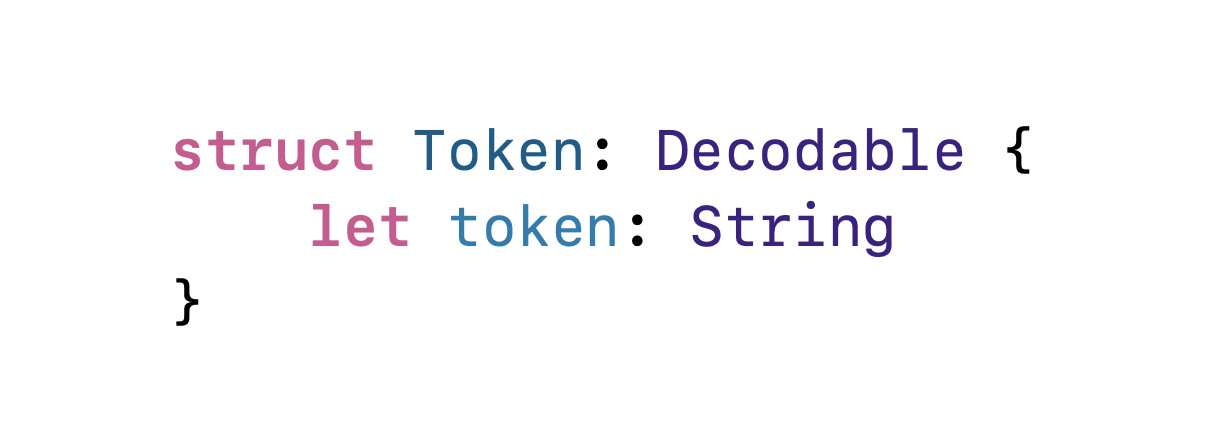
JWT token object
The login request (request payload omitted) could be made as follows.
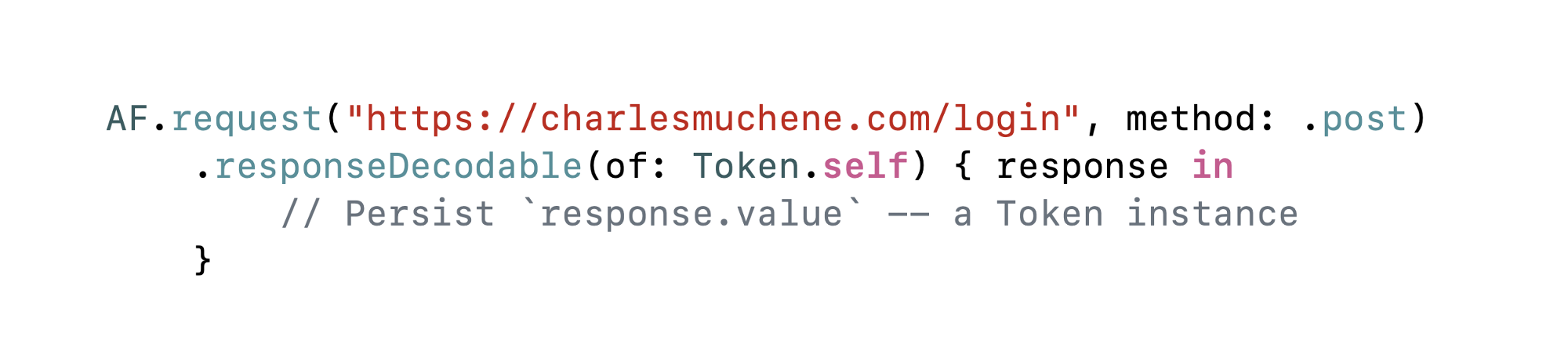
If the credentials provided were valid, the response variable is of type AFDataResponse<Token> which is a typealias for DataResponse<Token, AFError> where AFError is a custom error type by Alamofire. What if the credentials were invalid? How do we receive the decoded APIError object?
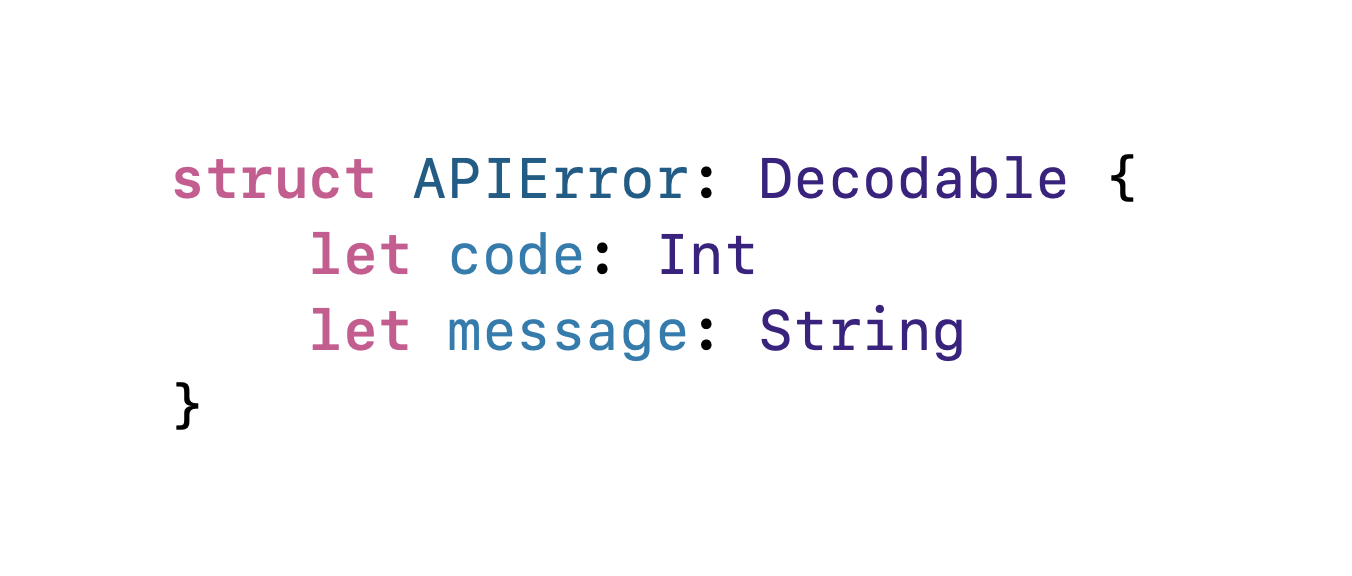
If APIError conforms to the Decodable protocol, as shown below, we could write a custom serializer and handler that returns to us a Result<Token, APIError>.
Custom Serializer
To write a custom data serializer, you write a class that conforms to the DataResponseSerializerProtocol. The protocol is defined as follows:
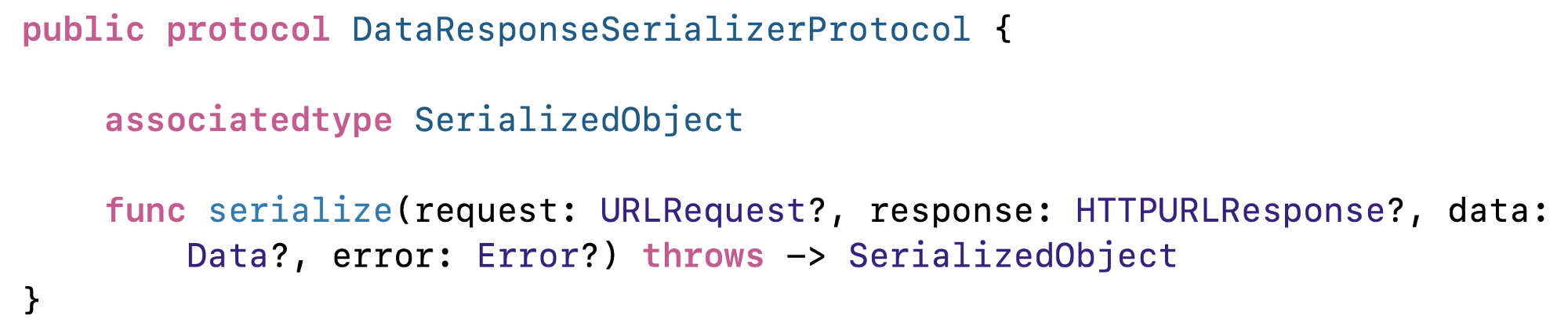
Note that to handle disk downloads as well, your custom serializer should also adopt the
DownloadResponseSerializerProtocol.
As noted above, Alamofire has an inbuilt decodable data serializer. We create a custom TwoDecodableResponseSerializer that uses a composition of DataResponseSerializers, one for each type we want decodable. After a short ceremony of making sure the response is even valid for decoding, we invoke either serializer conditionally. I pass in a _HTTP status cod_e to determine when to invoke the APIError serializer.
Custom Handler
A custom handler is straight forward. It uses the serializer we’ve written above. I’ve made it generic to accept any type that is Decodable.
And we use it as shown below:
And that’s it.
The documentation has a section on creating a custom serializer (for your specific type of data). Happy coding.
Reading
About the author
Software Engineer
Comments
Join the discussionNo comments yet. Be the first to comment.


